Lulu Salary Check: How to Check Your LuLu Exchange Card Balance in the UAE (2026 Guide)
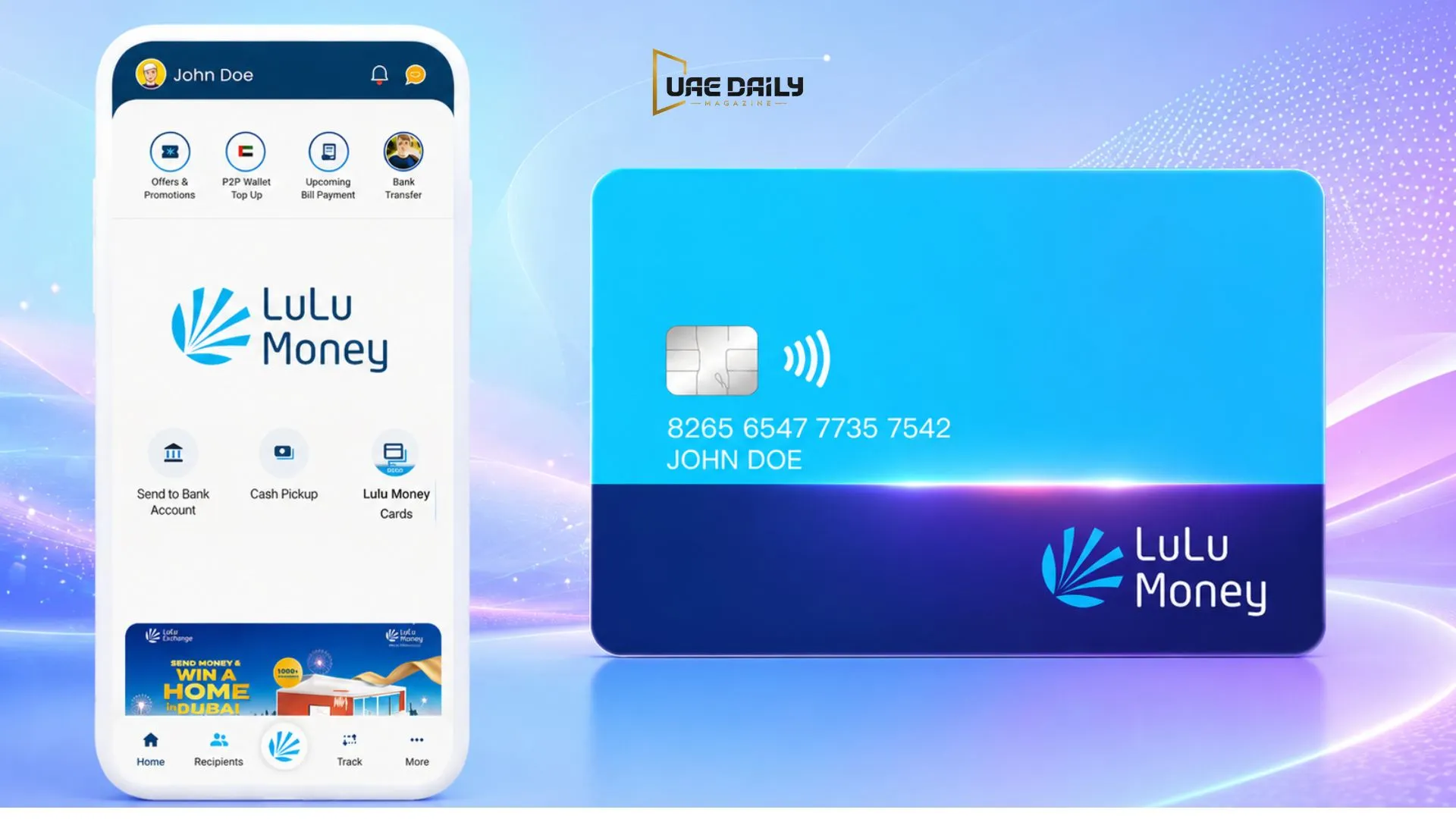
If your salary lands on a Lulu card instead of a regular bank account, checking that balance becomes part of your monthly routine fast. But many online guides describe the process vaguely, without naming the specific app or website you need. In my experience helping people sort out UAE salary and prepaid card questions, vague instructions cause more confusion than they solve. This guide covers every verified Lulu salary check method for 2026, the real app, the real website, and the real helpline, so you’re not left guessing.
A Lulu salary check lets you view the balance on a LuLu Exchange salary or prepaid card. Check it through the LuLu Money app, the official luluexchange.com website, an ATM, SMS, the customer care line at 600522204, or by visiting a branch. LuLu Exchange isn’t a bank; it’s a Central Bank-licensed exchange house, so its balance-check system operates independently of any traditional banking app.
What Is a Lulu Salary Check?
A Lulu salary check confirms the balance on a LuLu Exchange-issued salary or prepaid card. Whether you call it a Lulu salary check or a Lulu balance inquiry, the process is the same, and it’s sometimes called a Lulu prepaid card inquiry if you’re checking a prepaid rather than a salary card. LuLu International Exchange operates over 140 branches across the UAE and serves more than 15 million customers worldwide, according to the company’s own figures. Its salary card product, marketed as the UAE’s first digital-native WPS payroll solution, is specifically designed for employees paid through the wage protection system.
Honestly, most of the confusion people have with Lulu balance checks comes down to one thing: not knowing where to look. The right answer is almost always the LuLu Money app or luluexchange.com, not a random third-party site.
LuLu Money also handles international remittances, currency exchange, and corporate wage administration under the same umbrella, which is why the app can feel bigger than a simple balance-check tool. For most salary and prepaid cardholders, though, the balance screen sits front and center the moment you log in; you don’t need to dig through the transfer or exchange features to find it.
Is Lulu a Bank? Clearing Up the Confusion
This deserves its own section. Many search terms assume Lulu is a bank. It isn’t. LuLu International Exchange is a money exchange and remittance company, licensed by the Central Bank of the UAE, not a licensed bank. A Lulu card balance check and a Lulu salary check refer to the same basic action. That distinction matters because your balance won’t show up in a bank account or a bank’s mobile app, even if the salary itself came from your employer’s payroll.
One mistake I keep seeing is people searching for “Lulu bank balance check” and expecting to find a banking-style portal. What you’ll actually land on is luluexchange.com or the LuLu Money app, both run directly by the exchange house.
Lulu Salary Check All Methods
LuLu Exchange offers six ways to check your balance, and the right one depends on what you have access to at the moment.
LuLu Money App
The LuLu Money app is the fastest and most comprehensive option for checking your Lulu online salary. Download it from the Google Play Store or Apple App Store, register with your mobile number, and log in to see your balance, transaction history, and transfer options on one screen. I’ve seen this become the default habit for most cardholders within their first few weeks of getting paid.
If you haven’t registered yet, the app usually asks for your card number and registered mobile number to verify that you’re the cardholder, then sends an OTP. Once that’s done, the balance screen loads automatically every time you open the app, so there’s no repeated setup after the first login.
LuLu Exchange Official Website
For desktop users, luluexchange.com offers the same balance-check function through its LuLu Money section. Log in with your registered credentials and your card balance appears on your account dashboard. This works well if you’re already on a computer reviewing other account details.
ATM Balance Check
Insert your Lulu card at a compatible ATM, enter your PIN, and select the balance inquiry option. Your balance appears on the screen, and most ATMs also provide a printed receipt. A Lulu ATM check needs no internet connection. That makes it a solid backup option.
SMS Balance Check
SMS balance checking is available for cardholders who register their mobile number with LuLu Exchange. The exact keyword and format are provided when you activate your card, since these details vary and aren’t worth guessing. If you’re not sure of your format, the customer care line can confirm it in seconds.
Customer Care / Helpline
Call LuLu Exchange customer care at 600522204 to verify your balance by phone. An agent will confirm your identity, usually through your registered details, before sharing your balance. It’s slower than the app. But it works when nothing else does.
Branch Visit
With over 140 branches across the UAE, a physical visit remains a realistic option, especially if you need help beyond a simple balance check. Bring your Emirates ID and card, and staff can confirm your balance directly.
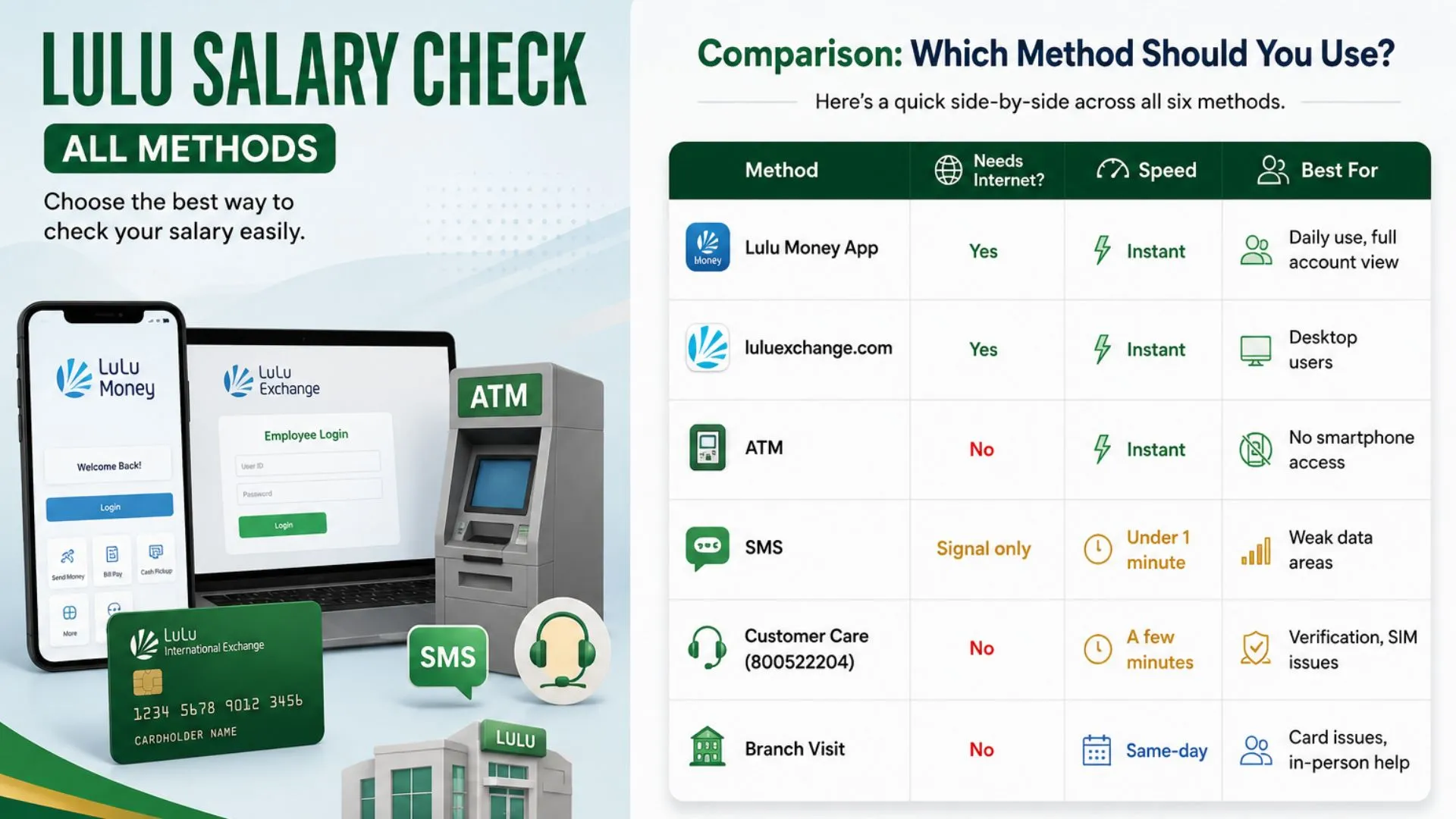
Comparison: Which Method Should You Use?
Here’s a quick side-by-side across all six methods.
| Method | Needs Internet? | Speed | Best For |
| LuLu Money App | Yes | Instant | Daily use, full account view |
| luluexchange.com | Yes | Instant | Desktop users |
| ATM | No | Instant | No smartphone access |
| SMS | Signal only | Under 1 minute | Weak data areas |
| Customer Care (600522204) | No | A few minutes | Verification, SIM issues |
| Branch Visit | No | Same-day | Card issues, in-person help |
Lulu Salary Card & the Wage Protection System (WPS)
LuLu’s salary card is built specifically around WPS, the Central Bank-monitored framework that requires UAE employers to pay wages through approved channels. The company markets it as the UAE’s first digital native WPS payroll solution, which is part of why it’s become common in industries with large hourly or contract workforces.
Say a warehouse worker’s salary usually lands on the 1st of the month through his Lulu card, but nothing shows up by the 2nd. Checking the balance in the app immediately confirms the discrepancy, and the next step is to contact the employer’s payroll team rather than assuming the app is broken.
Examples of Lulu Salary Check in Daily Use
- A cleaner in Sharjah checks her Lulu balance through the app every Thursday evening to plan her weekend grocery budget before shopping.
- A construction worker in Ajman uses an ATM to check his balance mid-shift because he doesn’t carry a smartphone with mobile data on-site.
- A new employee at a logistics firm calls Lulu customer care at 600522204 to confirm his card is activated before his first salary deposit.
- A retail worker registers for SMS balance alerts so she gets notified the moment her salary lands, without needing to open the app.
- A driver visits a Lulu Exchange branch after his card balance doesn’t match his last payslip, and staff resolve it on the spot.
Common Lulu Salary Check Problems & Fixes
Balance not updating is the most common complaint, and it’s usually a timing issue rather than an error; recent transactions or salary credits can take a few hours to reflect fully. If the app won’t load your balance, check for an update in the app store first, since outdated versions often cause display issues. SMS requests that go unanswered are typically due to formatting issues, so confirming the exact keyword with customer care resolves most of them. If nothing works and the deposit is genuinely missing, contact the employer’s payroll team and LuLu customer care, as both parties may need to confirm the transfer.
Login failures on the app are usually tied to an incorrect registered number or an expired OTP window. Requesting a new OTP and double-checking the mobile number on file typically resolves this within a minute or two.
Lulu Salary Check Security Tips
Never share your PIN or OTP with anyone, including callers who claim to represent LuLu Exchange; the company won’t ask for these details over the phone. In my experience, most fraud attempts start with exactly that kind of call. Stick to luluexchange.com and the official LuLu Money app rather than third-party balance-check sites, several of which exist purely to collect card numbers. Keep your registered mobile number up to date, as both SMS balance checks and app verification depend on it.
Frequently Asked Questions
How do I do a Lulu salary check online?
Log into the LuLu Money app or luluexchange.com with your registered credentials, and your balance appears on your account dashboard immediately. Both options work around the clock without needing a branch visit.
Is Lulu Exchange a bank?
No, LuLu International Exchange is a money exchange and remittance company licensed by the Central Bank of the UAE, not a licensed bank. Its salary card and balance-check system run through its own app and website rather than a bank’s platform.
Can I check my Lulu balance without internet?
Yes, an ATM balance inquiry works without an internet connection, and SMS checking requires only a mobile signal rather than data. The customer care line at 600522204 is also available without internet access.
Why is my Lulu salary balance not updating?
This is usually a timing delay rather than an error, since recent transactions or salary credits can take a few hours to process fully. If it still looks wrong after a few hours, contact LuLu customer care to confirm.
What number do I call for a Lulu balance check?
Call LuLu Exchange customer care at 600522204, and an agent will verify your identity before confirming your balance. This works as a reliable backup when the app or website isn’t accessible.
Is it safe to check my Lulu balance through third-party websites?
No, you should only check your balance through the official LuLu Money app or luluexchange.com. Third-party sites that ask for your card number are a common way personal data is collected without authorization.
Do I need to register before I can check my Lulu balance?
Basic balance checks through the app or website usually require you to register your card and mobile number first, which takes only a couple of minutes. ATM and customer care checks work with just your card and PIN or identity verification, without app registration.
Conclusion
Six ways to check one balance sounds like a lot, but the app covers most situations on its own. Keep it installed, keep your registered number up to date, and fall back on the ATM or the 600522204 helpline when you need an offline option. Once you know that Lulu is an exchange house, not a bank, the rest of the process makes a lot more sense.